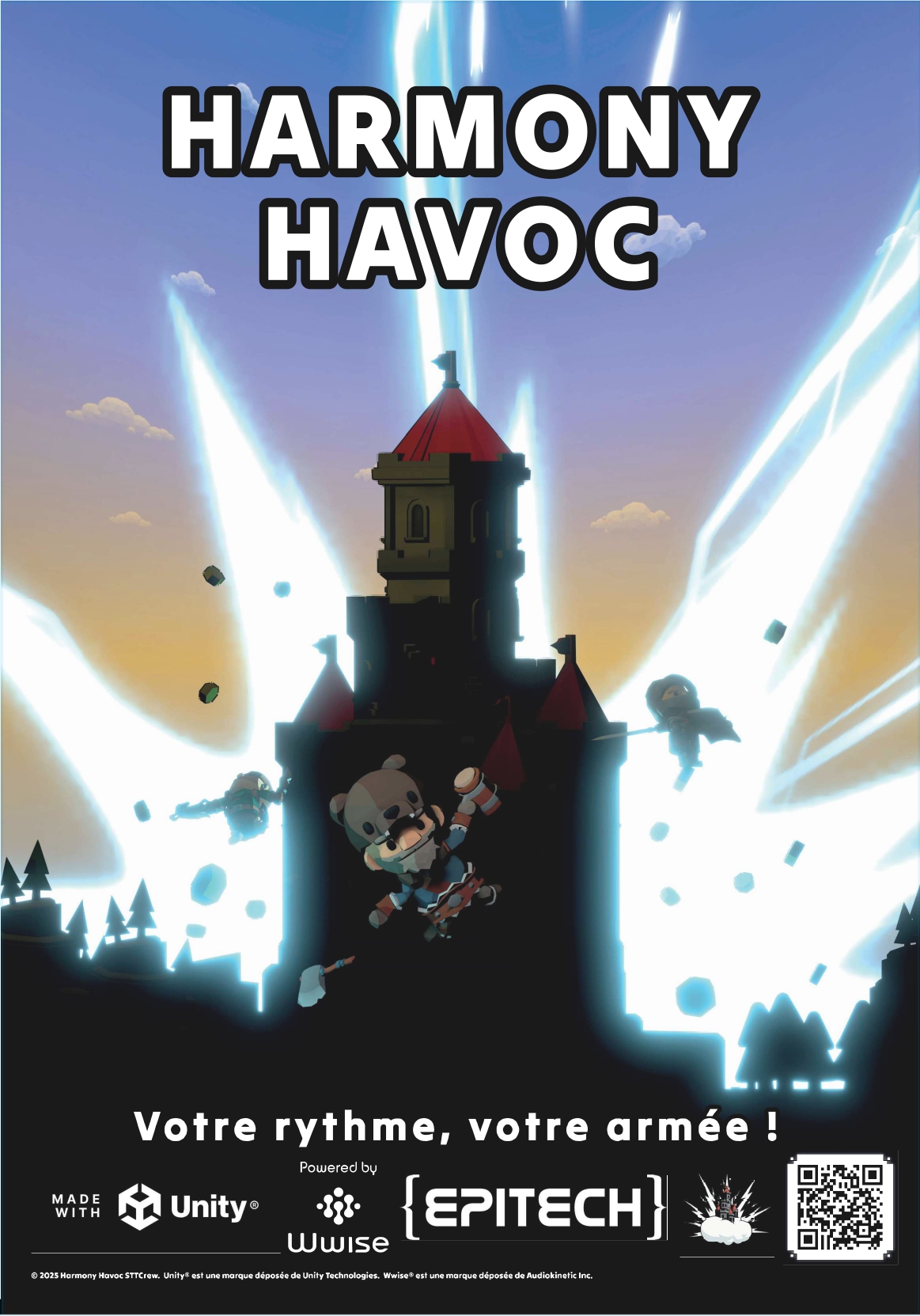
Harmony Havoc
A downloadable game for Windows
Discover an innovative video game that merges rhythm and strategy in real time, available in classic version and augmented reality for a striking immersion.
This game is aimed at all players looking for an experience combining reflexes and tactics.
You embody a divinity in a 3D world where the environment and action react to the pulsations of the music. The principle is simple: chain rhythm commands to create powerful musical combinations. These allow you to summon units, cast devastating spells or use unique weapons.
Destroy enemy buildings and face epic bosses throughout the levels to evolve your arsenal.
Before starting the game, read the ReadMe, or look at the installation guide on our website.
For additional information : https://baptiste-lg.github.io/EIP/
Download
Install instructions
The downloaded build.zip file contains:
- The game
- A backup folder required for testing
- This ReadMe
Installation steps:
- Unzip the build.zip archive.
- In the extracted folder, locate the folder named STTCrew.
- Copy the STTCrew folder.
- Stick it to the following location:
C: Users [YourUserNumber] AppData LocalLow
Replace [YourUserNow] with your Windows username.
Backup Folder – Important
- The STTCrew folder contains backup files essential for the proper functioning of the tests.
- Without this folder properly installed, some features of the game may be inaccessible or not work as expected.
Game launch
Once the installation is completed :
- Launch the executable file of the game
- Make sure that Windows Defender did not block the execution
- Enjoy the experience
Security Information – Windows Defender (False Positive)
Antivirus detection
Windows Defender may report the game executable as a threat.
This detection is a false positive.
This behavior is common with games developed using the Unity engine.
Unity constructs can sometimes trigger security alerts, although the files are perfectly safe and free of any malicious code.
The game does not contain viruses, Trojans or malware.
For more information on this known issue:
Reddit – The reader detected a Trojan in the Unity build files
What if Windows Defender blocks the game?
- Authorize the detected threat via Windows Defender
Add an exception for the game folder in theBefore starting the game, read the ReadMe, or look at the installation guide on our website.
Leave a comment
Log in with itch.io to leave a comment.